
Safe – no viruses
Only the official repositories of package managers. Every installer is verified against its SHA-256 checksum before it runs.
HubGet is a modern app store for Windows 10 and 11. It brings together more than 25,000 apps from official repositories – install them in one click, without hunting for installers on the web, with no ads and no bundled extras.
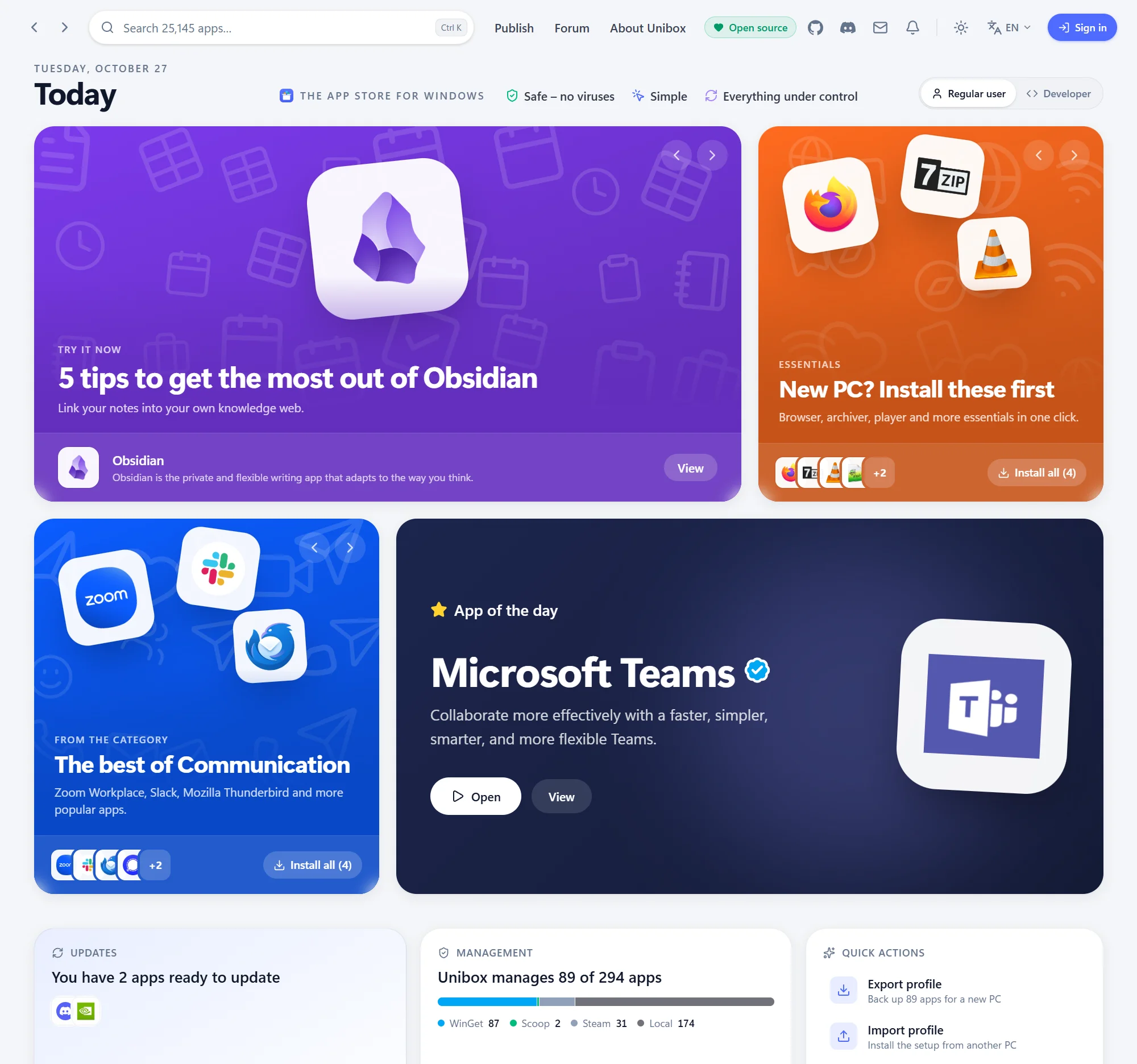
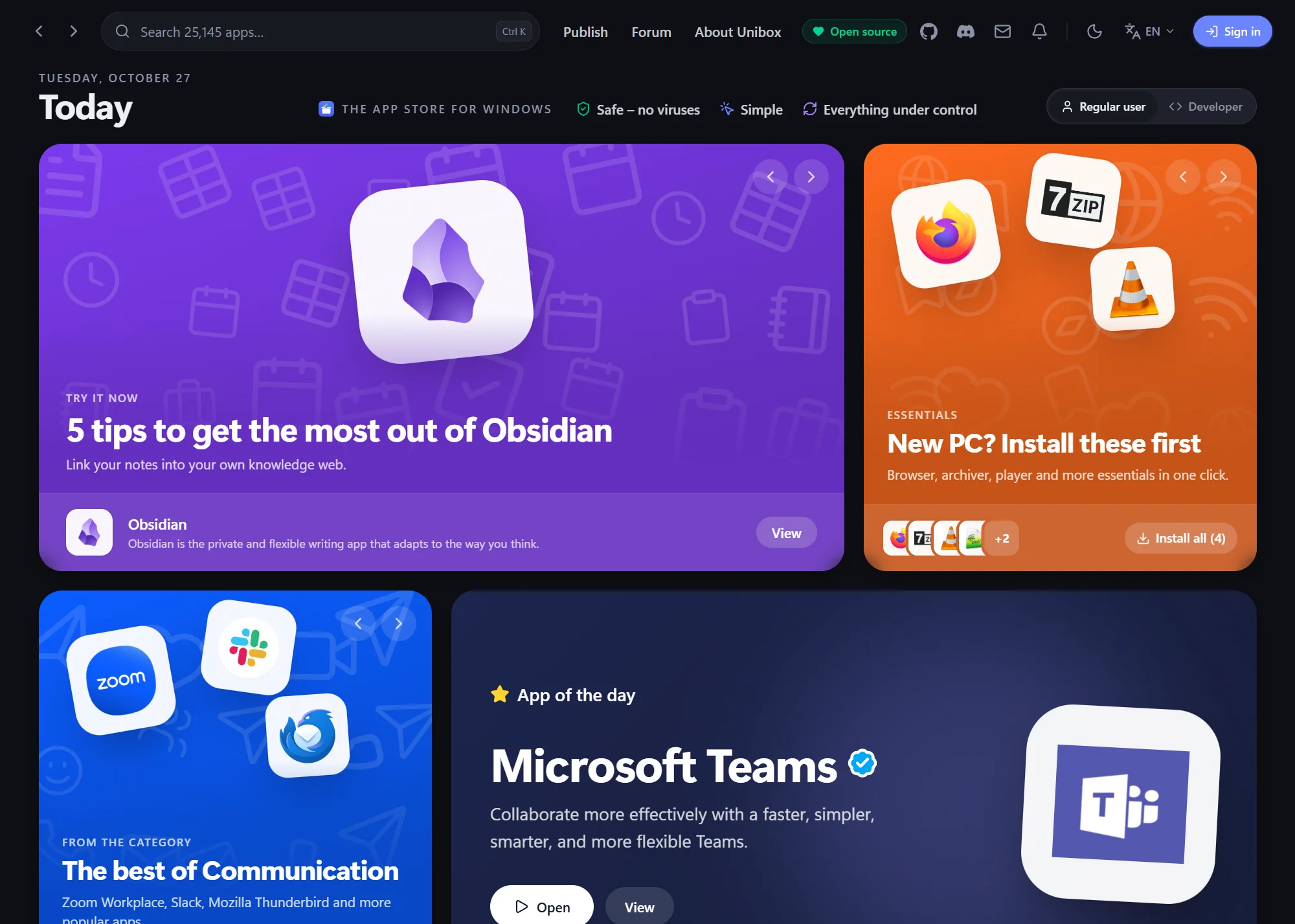
 Screenshot: the “Today” home page
What’s new
The two biggest new features in the current version of HubGet. Every other change is in What’s new.
See all changesWhy HubGet
Only the official repositories of package managers. Every installer is verified against its SHA-256 checksum before it runs.
One click instead of setup wizards. No “Next, Next, Finish”, no bundled extras and no ads.
Update and uninstall all your apps in one place – including the ones you installed earlier, some other way.
Explore HubGet
Every topic has its own page – pick what interests you.
An app store like on your phone: the catalog, ratings and reviews, updates, uninstall and background mode.
What works for real: WinGet, Chocolatey, Scoop and developer package managers with commands to copy.
What’s new in every version since the first public release, 0.1.0.
How HubGet stacks up against Ninite, UniGetUI, Chocolatey and Winstall.app.
Where HubGet is heading next and what’s already done.
SmartScreen, accounts, safety and other common questions.
$0per month, forever
The code is public, so it stays free. Your data stays on your computer while you manage, update and install apps.
Version 0.1.19 · preview · free and open source · what’s new
Requirements: Windows 10 / 11, 64-bit, WebView2 (preinstalled on Windows).
The installer isn’t digitally signed yet – what to do about the Edge and SmartScreen warnings.
Code signing policy · Privacy